
Free Website Security Scanner
Enter any domain to run a live security audit of its SSL/TLS certificate, HTTP security headers, SPF, DKIM and DMARC email authentication, IP blacklist reputation, HTTP-to-HTTPS redirect and HTTP/2 support. The six checks roll into a single score out of 100 and a letter grade from A+ to F. Free, no signup, no rate limit, results cached for 30 minutes.
How the 100-Point Security Grade Is Weighted
Every scan rolls six independent checks into one score out of 100, then maps it to a letter grade from A+ to F. The weighting reflects real-world impact: security headers carry the most because they block whole classes of browser attacks and most sites are still missing several of them.
What Each Scan Inspects
Run live against the target, every timeWhat a Website Security Scan Actually Tells You
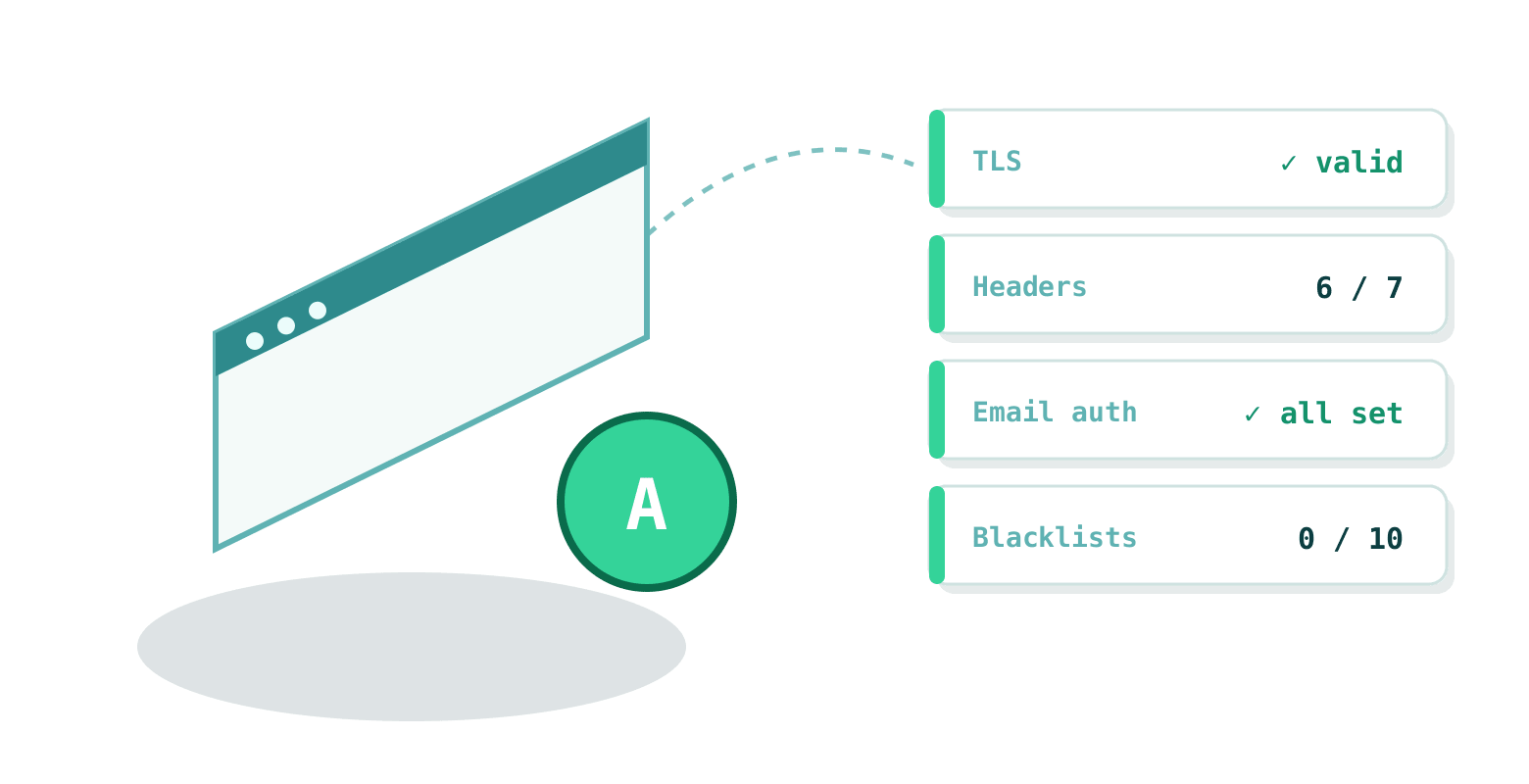
A security scan reads the parts of your setup that any attacker, mail server or browser can see from the outside, then judges whether they are configured the way they should be. Every scan on this page returns:
- Whether the SSL/TLS certificate is valid, trusted, matches the hostname and how many days until it expires
- Which of the seven core HTTP security headers are present, missing or misconfigured
- Whether SPF, DKIM and DMARC are set so nobody can spoof email from the domain
- Whether the server IP is listed on any of ten major spam and threat blacklists
- Whether plain HTTP redirects cleanly to HTTPS, and whether HTTP/2 is enabled
- The web server banner, response code and response time
- A single 0–100 score, a letter grade and a prioritised list of issues to fix
What This Scan Is Not
This is a configuration and perimeter audit, not a full penetration test. It deliberately does not:
- Test application logic (SQL injection, XSS in your own code, broken access control)
- Scan for malware, defacement or backdoors in your files
- Run a full port scan or probe non-web services
- Detect outdated CMS versions, vulnerable plugins or leaked credentials
A clean grade here means your transport layer and configuration are sound, which is the baseline every site should clear first. It does not mean the application behind it is secure. For that you need code review and a real penetration test.
SSL / TLS Certificate Health (up to 25 points)
A certificate that merely exists is not the same as one that is configured correctly. The scanner opens a real TLS connection to port 443 and verifies the certificate the way a strict client would, then scores four things:
- Trust chain. The certificate must be issued by a trusted CA and present its full intermediate chain. A self-signed or chain-broken certificate fails verification even if the browser hides it.
- Hostname match. The Common Name or a Subject Alternative Name must match the domain (wildcards included). A mismatch wipes the SSL score, because it means visitors get certificate warnings.
- Expiry. Anything inside 30 days is flagged; an expired certificate is a hard fail. Automate renewal with Let’s Encrypt or your CA so this never bites.
- Key strength. At least 2048-bit RSA or 256-bit EC. Weaker keys are treated as breakable.
For a deeper certificate breakdown (chain, ciphers, protocol versions) use the dedicated SSL Checker.
The Seven HTTP Security Headers (up to 35 points)
Security headers are the highest-value, lowest-effort win on most sites: a few lines of config, no code changes, and they shut down entire categories of attack at the browser. Each header set correctly is worth 5 points.
Strict-Transport-Security(HSTS)- Tells browsers to only ever connect over HTTPS, blocking SSL-stripping downgrade attacks. Full marks need a
max-ageof at least one year (31536000 seconds). Content-Security-Policy(CSP)- The single strongest defence against cross-site scripting and data injection. It whitelists where scripts, styles and frames may load from, so injected code simply does not run.
X-Frame-Options- Stops your pages being embedded in a hostile iframe (clickjacking). Should be
DENYorSAMEORIGIN. X-Content-Type-Options- Set to
nosniffso browsers do not second-guess declared content types, which closes off a class of MIME-confusion attacks. Referrer-Policy- Controls how much of your URLs leak to other sites in the
Refererheader.strict-origin-when-cross-originis a sensible default. Permissions-Policy- Restricts access to powerful browser features (camera, microphone, geolocation) so third-party scripts cannot quietly use them.
X-XSS-Protection- A legacy header for old browsers. Modern protection comes from CSP, but a correct value is still checked.
Email Authentication: SPF, DKIM, DMARC (up to 20 points)
These three DNS-based records decide whether anyone can send email pretending to be from your domain. Getting them right is one of the highest-impact things a domain owner can do, and it protects your brand even if you never send mail at all.
- SPF lists which servers may send mail for your domain. Ending it with
-all(hard fail) scores full marks;~all(soft fail) is weaker and only partly scored. - DKIM cryptographically signs your outgoing mail so receivers can verify it was not tampered with. The scanner probes the common selectors.
- DMARC ties SPF and DKIM together and tells receivers what to do with mail that fails.
p=rejectis the goal;p=quarantineis partial;p=noneis monitoring only.
A domain with no SPF and no DMARC is trivially spoofable. For a full breakdown with the exact records to publish, use the Email Security Checker.
Blacklist Reputation, HTTPS Redirect & HTTP/2 (up to 20 points)
Blacklists (10 pts). The domain is resolved to its IPv4 address and checked against ten major DNSBLs including Spamhaus ZEN, SpamCop, SORBS, Barracuda and UCEPROTECT. A single listing zeroes this category, because it hurts email deliverability and lowers trust scores in some security products. See the per-list breakdown in the IP Blacklist Checker.
HTTPS redirect (5 pts). Visitors who type your address without https:// should be sent to the secure version automatically with a 301 or 308. No redirect means a window where traffic travels in the clear.
HTTP/2 (5 pts). The modern HTTP version multiplexes many requests over one connection and loads pages noticeably faster than HTTP/1.1. It is table stakes for any well-run site and a small signal that the stack is kept current.
How to Fix the Most Common Failures
Most low scores come from the same handful of missing pieces. The fixes are quick:
Add the security headers (Apache)
In your .htaccess or vhost, with mod_headers enabled:
Header always set Strict-Transport-Security "max-age=31536000; includeSubDomains"
Header always set X-Frame-Options "SAMEORIGIN"
Header always set X-Content-Type-Options "nosniff"
Header always set Referrer-Policy "strict-origin-when-cross-origin"
Header always set Content-Security-Policy "default-src 'self'"
Add the security headers (Nginx)
Inside the server block:
add_header Strict-Transport-Security "max-age=31536000; includeSubDomains" always;
add_header X-Frame-Options "SAMEORIGIN" always;
add_header X-Content-Type-Options "nosniff" always;
add_header Referrer-Policy "strict-origin-when-cross-origin" always;
add_header Content-Security-Policy "default-src 'self'" always;
Start your CSP loose and tighten it as you confirm nothing breaks; a too-strict CSP can block your own scripts. SPF and DMARC are single DNS TXT records at your registrar; DKIM keys come from your mail provider. Re-run the scan after each change to watch the grade climb.
Frequently Asked Questions
What security score should I aim for?
A grade of B (70 or above) means the fundamentals are in place. Grade A (85+) means the configuration has been deliberately hardened. Anything below 55 usually has quick wins left on the table, most often missing security headers that take under an hour to add. Aim for A; A+ needs HSTS, a real Content-Security-Policy and DMARC set to reject.
How hard are these issues to fix?
Security headers are the easiest win: a few lines in your Apache, Nginx or CDN config, no code changes. SPF and DMARC are single DNS TXT records added at your registrar. DKIM needs a key pair from your mail provider, which gives you the exact record to publish. SSL renewal is automatic with Let’s Encrypt. Most sub-70 scores can reach an A in an afternoon.
Why does a scan take several seconds?
Six independent checks run per scan: a live TLS handshake, an HTTP HEAD request, DNS lookups for SPF, DKIM and DMARC, ten DNSBL blacklist queries and an HTTP-to-HTTPS redirect probe. Each carries its own network timeout, so the total usually lands between 5 and 15 seconds depending on how fast the target answers. Each result is cached for 30 minutes.
What do the HTTP security headers actually protect against?
HSTS forces browsers onto HTTPS and blocks SSL-stripping downgrade attacks. Content-Security-Policy is the strongest defence against cross-site scripting and data injection. X-Frame-Options stops clickjacking. X-Content-Type-Options stops MIME sniffing. Referrer-Policy limits how much of your URLs leak to other sites. Together they close off whole classes of browser-level attacks for almost no effort.
Do I need SPF, DKIM and DMARC if my domain does not send email?
Yes. A domain with no SPF and no DMARC is the easiest to spoof, because nothing tells receiving servers to reject forged mail claiming to be from you. For a non-sending domain, publish v=spf1 -all and a DMARC record with p=reject. That tells the world no legitimate mail ever comes from the domain, which shuts down spoofing of your brand.
Does a high grade mean my site cannot be hacked?
No. This scanner checks the transport and configuration layer: TLS, headers, email authentication and IP reputation. It does not test application logic, so it cannot find SQL injection, broken authentication, outdated software or leaked credentials. A high grade means the perimeter is configured correctly. It is a necessary baseline, not a full penetration test.
Is the website security scanner free?
Yes. Every scan is free, with no signup, no API key and no limit on the web interface. Results are cached for 30 minutes so repeated scans of the same domain return instantly.
My certificate works in the browser but the scanner flags it. Why?
The most common cause is a missing intermediate certificate. Browsers often fetch or cache the missing chain automatically, hiding the problem, while strict clients (many mail servers and API clients) fail outright. The scanner verifies the full chain the way a strict client would, so it surfaces issues your browser quietly papers over. Reinstall the full chain (your certificate plus intermediates) to fix it.