
What is a router IP?
Your router's IP address also called the default gateway is the local address used to access your router's admin panel. It's typically 192.168.1.1 or 192.168.0.1.
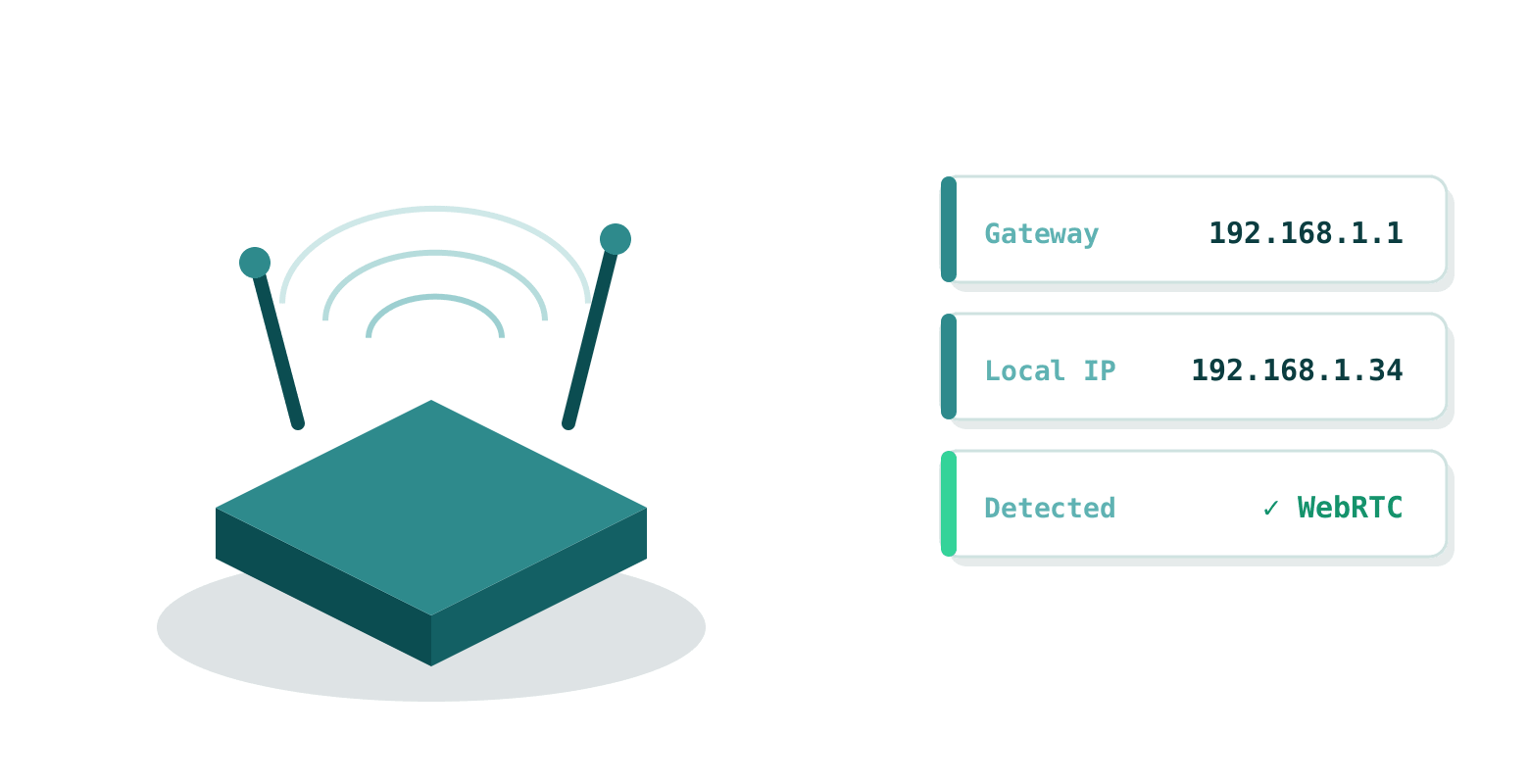
This tool uses WebRTC (a standard browser API) to detect your local IP address and derive the likely router IP. No data is sent to our servers during this process it runs entirely in your browser.
How it works
- The page uses WebRTC to request local ICE candidates, which reveal your device's local IP address.
- Your router IP is estimated as the
.1host on your subnet (e.g.192.168.1.1). - Your public IP is determined server-side via Cloudflare headers.
- Click Open Router Login to access your router's admin interface directly.
Common default credentials: admin / admin or admin / password. Always change these for security.
Common router IPs by brand
Why find your router IP?
- Access Settings Change Wi-Fi password, set up port forwarding, or update router firmware.
- Troubleshoot Fix connection problems by restarting or factory-resetting your router.
- Security Review connected devices, enable the built-in firewall, and change default credentials.
- Optimization Set QoS rules to prioritize devices or create a separate guest network.
- Free & Instant No apps, no downloads, no signup needed.
Questions we get a lot
What if no router IP is detected?
Your browser may have WebRTC disabled, or your network may use a non-standard subnet. Check manually: run
ipconfig on Windows or ip route on Linux/Mac and look for "Default Gateway".Is this tool safe to use?
Yes. WebRTC is a standard browser API built into all modern browsers. Your local IP is never sent to our servers all detection happens client-side.
Does it work on mobile?
Yes on any device connected to a Wi-Fi network, including smartphones and tablets.
Why can't I open the router page after finding the IP?
Make to use
http:// (not https://) in your browser. Ensure you're on the same network. If it still fails, try a wired connection or perform a router reset.