Copied to clipboard!
🔍

Traceroute Online

What is Traceroute?

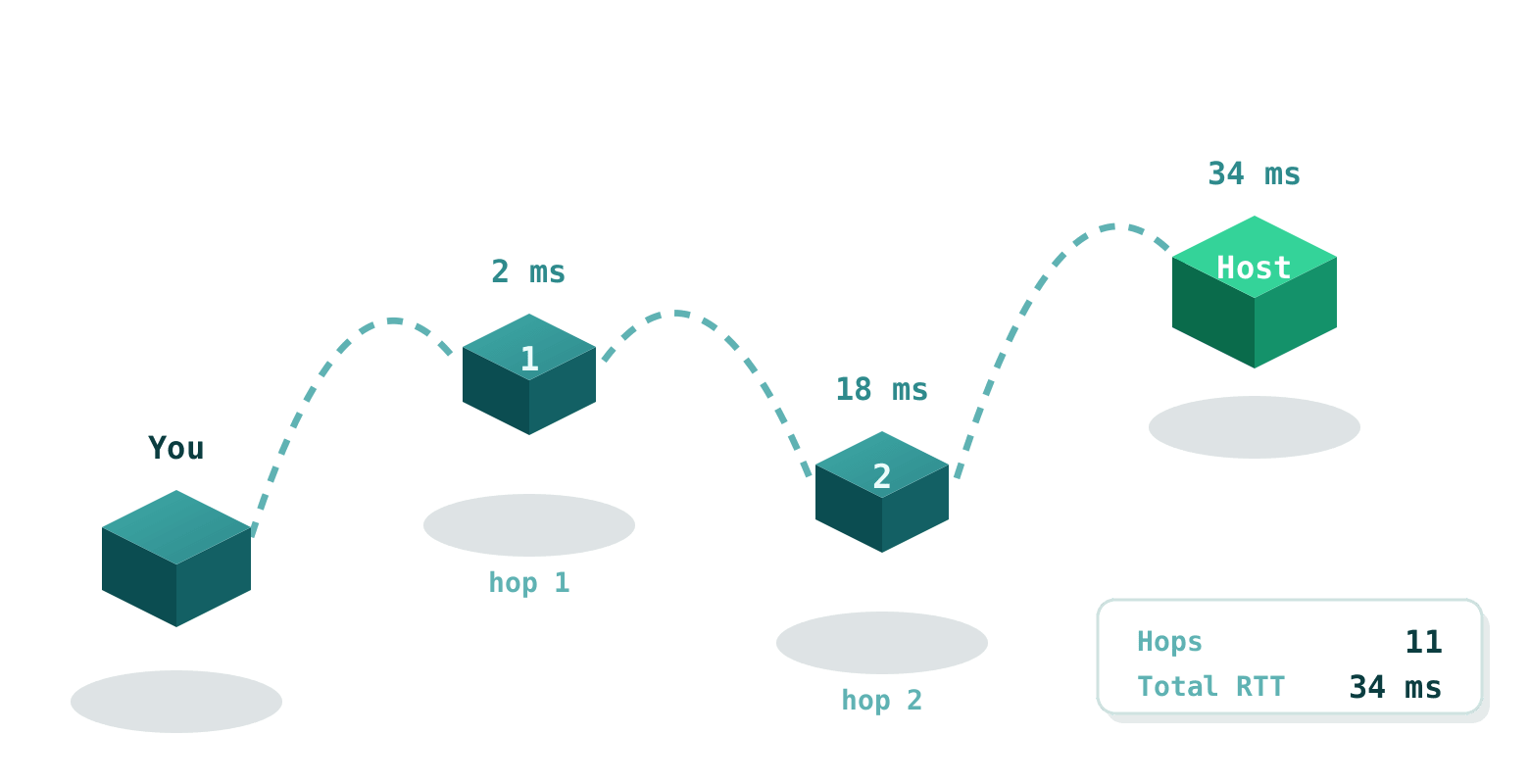
Traceroute is a powerful network diagnostic tool that maps the exact path data packets take from our server in Germany to your specified IP address or domain. It reveals every intermediate router (hop), including IP, hostname, country, and response time, while our interactive map visualizes the geographic journey.

Originally developed in 1987 by Van Jacobson, traceroute works by sending packets with incrementally increasing TTL values, forcing each router to return a "time exceeded" message—giving you a step-by-step view of internet routing.

How to Use Our Traceroute Tool

It's incredibly simple:

  1. Enter a valid IPv4/IPv6 address or domain name in the field above.
  2. Click "Lookup" and watch the progress bar.
  3. Results appear instantly: a detailed hop table and an interactive map tracing the route from Germany.

We cache results for speed and accuracy, using reliable geolocation data for each hop.

Why Choose Our Traceroute Tool?

Our professional-grade traceroute stands out with:

  • Global Perspective: Traces from our European server (Germany) for realistic transcontinental routing insights.
  • Interactive Map: Visualizes the entire path with markers and polylines.
  • Detailed Hop Data: IP, hostname, country flag, and latency for every hop.
  • Fast & Cached: Results served instantly from cache when available.
  • Free & Unlimited: No limits, no registration required.

Why Traceroute Matters Today

In today's complex internet with CDNs, anycast routing, and multiple backbone providers, traceroute is essential for understanding performance and connectivity issues. Network engineers use it daily to pinpoint latency sources, detect routing loops, or identify ISP peering problems.

Whether troubleshooting slow loading times, verifying VPN routing, or analyzing CDN performance, traceroute reveals the hidden path your data takes across continents.

Fascinating Facts About Traceroute

  • The original traceroute tool was written in 1987 and is still bundled with most operating systems.
  • Some routers intentionally block traceroute packets, showing "*" common for security reasons.
  • Asymmetric routing (different paths to/from destination) is very common on the modern internet.
  • Large sites like Google or Cloudflare use anycast, so the route often ends at the nearest data center.
  • Maximum hops are usually limited to 30, enough to cross the globe multiple times.

Frequently Asked Questions

Why do some hops show "* * *"?

Many routers are configured not to respond to traceroute packets for security or performance reasons.

Why is the route different from what I expect?

Internet routing is dynamic and often asymmetric. Our trace starts from Germany, so results differ from your local traceroute.

Can I trace to private IPs?

No, traceroute works only with public IPs or resolvable domains.

How accurate is the geolocation?

We use trusted databases, but router locations can be approximate (often at ISP hub level).

Why is the map sometimes incomplete?

Some hops lack geolocation data or block ICMP responses needed for mapping.