Network tools

Ping test: latency and packet loss to any host, from Frankfurt

Type an IP address or a hostname. We send four ICMP echo requests from our server in Frankfurt and show you how long each reply took, how many came back and who owns the address.

Try 8.8.8.8, 1.1.1.1 or google.com. IPv6 works too.

What a ping test tells you

Three numbers, and what each one means.

Ping sends ICMP echo request packets to a host and times the reply. The round-trip time (RTT) is how long a packet needs to get there and back. If every packet comes back, the host is reachable. If some go missing, that is packet loss, and it usually points at a congested link or a firewall that rate-limits ICMP.

Our numbers are measured from Frankfurt, Germany. A host in Amsterdam will answer in a few milliseconds, one in Singapore in about 160 ms. That is physics, not a problem with the host. Compare hosts against each other, not against zero.
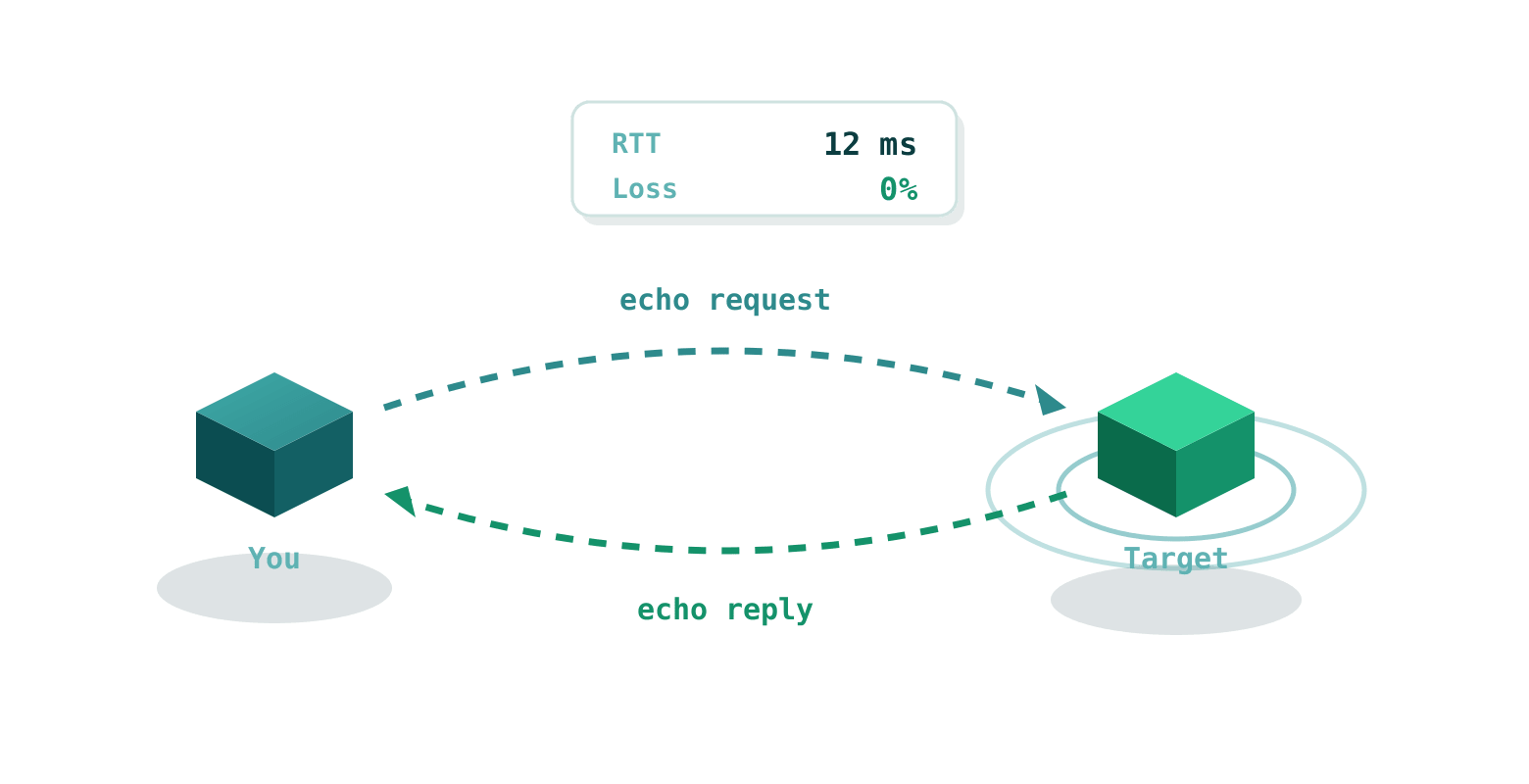
A ping test sends an ICMP echo request to the target and measures the round-trip time of the reply

How to use it

  1. Enter any IPv4 address, IPv6 address or domain name in the field above.
  2. Press Ping. We send 4 ICMP packets to the target and wait up to 10 seconds.
  3. You get packet loss, min, average and max RTT, jitter, and the country and provider of the target IP.
  4. "Show raw output" gives you the exact ping command output, ready to copy into a ticket.

Results are cached for five minutes per host, so a repeat within that window shows the same numbers. If the host answers ping but a website on it is slow, the traceroute shows where on the path the time goes.

Questions we get a lot

Mostly about packet loss that is not really packet loss.

Why do I get 100% packet loss?
Many servers and firewalls drop ICMP echo requests on purpose. 100% loss does not prove the host is offline, it may simply refuse to answer ping. Try the port checker on a port the host is known to serve.
What is a good ping?
Under 20 ms is excellent and usually means the host is in the same region. 20 to 100 ms is good. 100 to 200 ms is acceptable. Over 200 ms is high and video calls or games will feel it.
What is mdev?
Mean deviation, a measure of how steady the latency is. A low mdev means the four replies took about the same time. A high mdev means jitter.
Does this support IPv6?
Yes. Enter any IPv6 address and the tool switches to ping6 by itself.